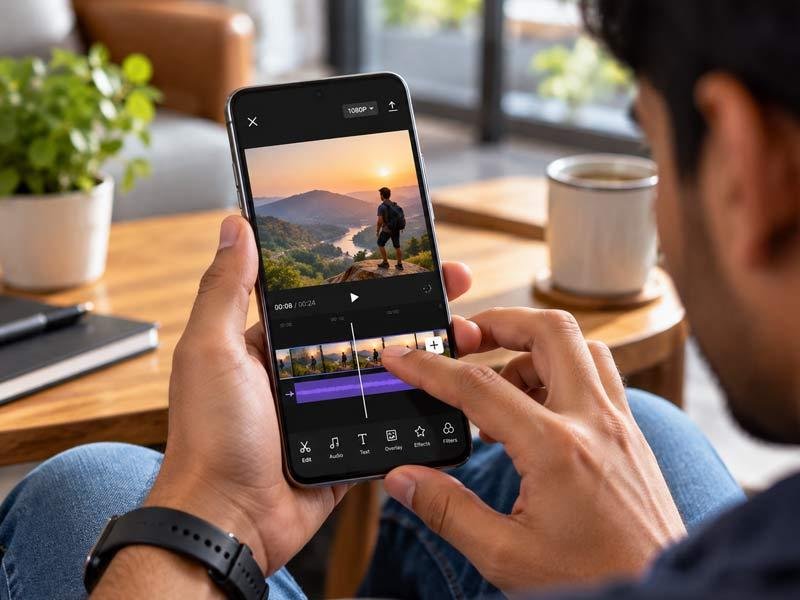
You recorded your first video.
You watched it back — and your heart sank a little.
The pauses are too long. The voice is quiet in one part and loud in another. The video feels slow, boring, nothing like the creators you watch every day. And now you are thinking the thought that stops most beginners in Pakistan: “Editing is too hard for me. I need a laptop. I need expensive software. I need a course I cannot afford.”
Stop right there. That thought is wrong — and it is costing you months.
Here is the truth nobody tells you: editing is not the hard part of YouTube. Starting is. And today, you can edit a professional-looking video on the same phone you are holding right now, with a free app, in less time than it takes to watch one drama episode.
This guide is your YouTube video editing course — written for Pakistan, in simple English. You will learn which tools are free and which are paid (with real PKR prices), a step-by-step mobile editing workflow you can follow tonight, what to learn first and what to skip, and when a paid course is actually worth your money — and when it is not.
No false promises. No “guaranteed views”. Just the honest system.
Why Your Videos Look Boring (It Is Not Your Camera)
Before you blame your phone, understand this: viewers do not leave because your camera is cheap. They leave because your video is slow.
Watch any big creator’s video. Count what happens in the first 30 seconds. The boring parts are cut out. The important words appear on screen as captions. A little music plays under the voice. A picture or clip (B-roll) appears when the topic changes. That is all editing is — removing the boring parts and adding the interesting ones.
Your phone camera is already good enough. A 5-year-old phone can record in full HD. What makes a video look “professional” is not the camera — it is the cuts, the captions, the sound, and the pace. All four can be done on your phone, for free.
So if your videos feel boring, the problem is not your equipment. The problem is that nobody taught you the editing workflow. This guide fixes that.
If you are a complete beginner to YouTube, start here first: Learn YouTube from Beginner. This post is about one skill only: editing.
Free vs Paid Video Editing Tools in Pakistan (Real PKR Prices)
You do not need to pay anything to start. But you should know what each tool costs before you choose one — because the most expensive tool is not always the best tool for you.
| Tool | Price (PKR) | Platform | Best for |
|---|---|---|---|
| CapCut | Free (pro version optional, about PKR 1,500–2,000/month) | Phone + PC | Best free start for YouTube — captions, effects, templates |
| VN Video Editor | Free (no watermark) | Phone + PC | Clean, simple editing with no watermark |
| KineMaster | Free with watermark; pro about PKR 1,000–1,500/month | Phone | Multi-layer editing on mobile |
| InShot | Free with watermark; pro about PKR 800–1,200/month | Phone | Quick Shorts and Reels edits |
| DaVinci Resolve | Free (studio version paid) | PC only | Best free professional editor — needs a good PC |
| Filmora | About PKR 14,000/year (around $49.99) | PC | Easy PC editing with effects and templates |
| Adobe Premiere Pro | About PKR 6,500/month (around $22.99) | PC only | Professional standard — needs a strong PC and budget |
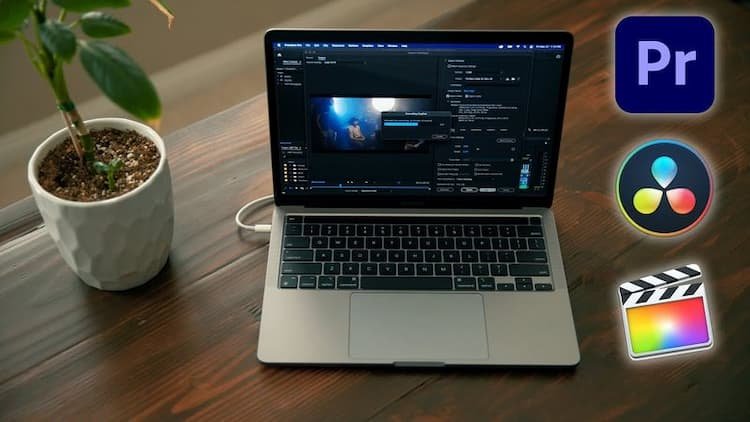
Read that table again. CapCut is free. VN is free. DaVinci Resolve is free. You can edit for months without spending a single rupee.
Our advice is simple: start with CapCut on your phone. It is free, it is in your pocket, it has auto-captions, and millions of Pakistani creators already use it. When your channel starts earning, then think about paid tools. Not before.
Prices change, so check the app store or the official site before you pay. And never pay for a tool because someone said “professionals use it” — professionals use the tool that fits their work, and your work right now is finishing your next video.
How to Edit a YouTube Video on Your Phone (Step by Step)
This is the workflow. Follow it in order, for every video. After 3–4 videos, it becomes automatic — and one video takes you about 1–2 hours to edit.
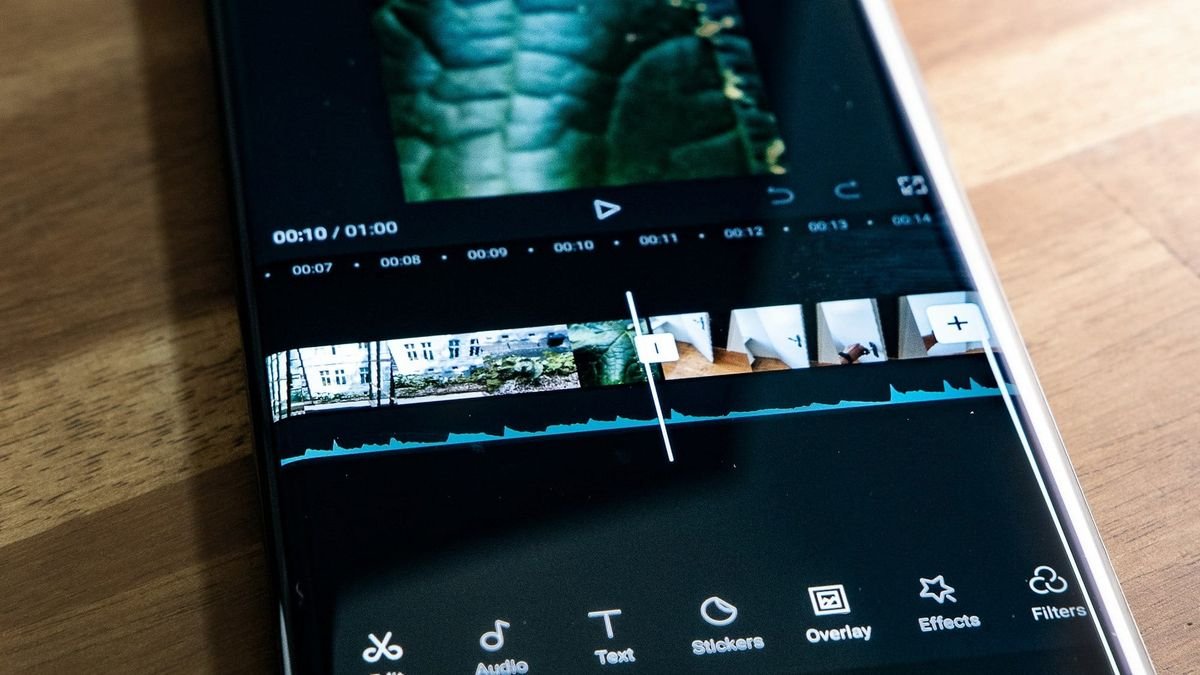
Step 1: Cut the Boring Parts First
Open CapCut and import your video. Watch it once, and cut out every long pause, every “umm”, every repeated sentence, every part where nothing is happening. This one step fixes 80% of “boring video” problems.
Rule: if a part does not teach, entertain, or move the story forward — cut it. A 10-minute recording often becomes a tight 6-minute video. That is good. Short and interesting always beats long and boring.
Step 2: Fix the Sound Before Anything Else
Bad sound kills a video faster than bad picture. In CapCut, tap on your audio and use “Reduce noise” if there is fan or traffic sound. Then raise the volume so your voice is clear and steady from start to finish.
If your voice is too quiet in one part, split that clip and raise its volume alone. Do not add music yet — fix the voice first. Viewers forgive a simple picture. They never forgive sound they cannot hear.
Step 3: Add Captions (This One Step Doubles Watch Time)
Most people watch YouTube on their phones — often without sound, in a bus, in a room with family. Captions let them follow your video even on silent.
CapCut has auto-captions: one tap, and it writes the words for you in Roman Urdu or English. Check the spelling, fix the mistakes, and make the words big and bold. This is the single easiest way to make your video look professional — and most beginners skip it. Do not skip it.
Step 4: Add B-Roll — Pictures and Clips Over Your Voice
B-roll is a second picture or clip that plays while your voice continues. When you say “I made my first video on my phone”, show a clip of a phone. When you talk about a place, show a photo of it.
B-roll keeps the viewer’s eyes busy. Without it, your video is one face talking for 6 minutes — and people leave. With it, the video feels alive. Use free stock clips from Pexels or Pixabay, or record a few simple clips yourself. One B-roll clip every 20–30 seconds is enough.
Step 5: Add Music — Quiet, Under Your Voice
Music makes a video feel professional — but only if it stays in the background. Pick one calm track from CapCut’s free music library or YouTube’s Audio Library (free, no copyright strike). Keep the volume low — about 10–15% — so your voice is always louder than the music.
Never use a famous song. YouTube will mute your video or give you a copyright claim. Free music is safe music.
Step 6: Add a Hook in the First 5 Seconds
The first 5 seconds decide whether a viewer stays or leaves. So before you export, check your opening. Does it say what the viewer will learn — in one sentence? Does it show the most interesting part first?
If your video starts with “Assalam-o-Alaikum, welcome to my channel, today I will tell you about…” — cut that. Start with the promise: “Today I will show you how to edit a video on your phone in 1 hour.” The greeting can come later. The hook comes first.
Step 7: Make the Thumbnail in Canva, Then Export
A thumbnail is not editing, but it is part of the same job. Open Canva (free), pick the YouTube thumbnail size, add one clear image, 3–5 big words, high contrast. Export your video from CapCut in 1080p — that is enough for YouTube, and it uploads faster than 4K on Pakistani internet.
That is the whole workflow. Cut, sound, captions, B-roll, music, hook, thumbnail. Seven steps. Do them in order, and your next video will look like it came from a creator with 100,000 subscribers — even if it is your fifth video.
CTA — YouTube 18 Days Formula
Editing is one skill — but YouTube needs the whole system: niche, scripting, voiceover, thumbnails, SEO, promotion, and monetization. The YouTube 18 Days Formula teaches all of it step by step, including the editing workflow above, in 13 modules and 9+ hours of training, with lifetime access and full support, for PKR 3,900 (was PKR 5,800).
You get the system, the templates, and the support — but your result depends on your hard work and consistency. There is no promise of guaranteed views or guaranteed income.
Join the Course — See Full Details on JunaidYT.com
Join now: Junaidyt.com — YouTube Growth Program
What to Learn First — and What to Skip
Most beginners waste weeks learning the wrong things. They watch 5-hour tutorials about colour grading and motion graphics — then never upload a video. Do not be that person.
Learn these first (they decide if people watch):
- Cutting — removing pauses and boring parts.
- Captions — so people can follow on silent.
- Sound — clear, steady voice with no background noise.
- Pacing — one B-roll clip every 20–30 seconds.
- Thumbnails — one clear image, 3–5 big words.
Skip these for now (they do not decide if people watch):
- Colour grading — your phone’s normal colours are fine.
- Fancy transitions — a simple cut is better than a spinning effect.
- Motion graphics and animation — nice, but not needed for your first 20 videos.
- Advanced effects — green screen, masking, keyframes. Learn them later, after you have an audience.
The rule is simple: learn what makes people stay, skip what only impresses other editors. Your viewers are not editors. They are people who want to learn something or enjoy something. Edit for them.
How Editing Fits the Faceless and Automation System
If you want to make videos without showing your face, editing is even more important — because your edit is your video. There is no face to carry it.
In a faceless video, the workflow is the same, but the ingredients change: your voiceover is the main track, stock clips and images are your B-roll, captions carry the message, and the pace must be faster because there is no person on screen to hold attention. The good news? This is exactly the system that automation is built on — one person can script, voice, and edit a full video on a phone, without a camera, without a studio, without a team.
That is why editing is the first skill to learn in the automation system. A channel that can edit fast can upload consistently. And consistency — not a fancy camera — is what grows a channel.
To see the full system, read: YouTube Automation: Complete Guide for Pakistan. And for the faceless method step by step, read: Faceless YouTube Channel: Complete Guide for Pakistan.
Free YouTube Tutorials vs a Structured Course — Which Is Right for You?
You can learn editing for free. Nobody should tell you otherwise. YouTube is full of free CapCut tutorials, and if you have time and patience, you can piece the skill together yourself.
But be honest about the cost of “free”. Free tutorials are scattered. One video teaches cutting. Another teaches captions. A third teaches something you do not need yet. You spend hours searching, you are never sure what to learn next, and when you get stuck, there is nobody to ask. Most people who learn this way take 3–6 months to edit their first good video — and many quit in month two.
A structured course is the opposite: everything in order, one system, one workflow, with support when you get stuck. You pay for speed and certainty, not for secret knowledge. The 18 Days Formula, for example, covers editing as one module inside the full YouTube system — niche, scripting, voiceover, editing, thumbnails, SEO, promotion, and monetization — so you are not just learning editing, you are learning how editing fits the channel that earns.
So which one should you choose?
- Choose free tutorials if: you have plenty of time, you enjoy figuring things out alone, and you are disciplined enough to finish without a teacher.
- Choose a course if: you want the full system in order, you want to finish in weeks instead of months, and you want someone to ask when you get stuck.
Before you pay for any course, compare properly: Best YouTube Courses Compared in Pakistan (2026) — Prices in PKR. Check the price in PKR, the language, the duration, and the refund policy — then decide with your eyes open.
CTA — YouTube 18 Days Formula
You can spend 6 months learning editing from scattered free videos — or learn the full system in 18 days. The YouTube 18 Days Formula teaches niche, scripting, voiceover, editing, thumbnails, SEO, promotion, and monetization — in 13 modules and 9+ hours of training, with lifetime access and full support, for PKR 3,900 (was PKR 5,800).
Eighteen days from now, you can be a person who edits and uploads with confidence — or a person still watching tutorials. The choice is yours.
Join the Course — See Full Details on JunaidYT.com
Join now: Junaidyt.com — YouTube Growth Program
5 Editing Mistakes That Make Your Videos Look Amateur
- Too many effects: Every transition spins, zooms, or flashes. It looks busy, not professional. Use simple cuts. One effect per video is enough.
- Music louder than your voice: The viewer cannot hear what you are saying, so they leave. Music stays at 10–15%. Your voice is always the star.
- No captions: Half your viewers watch on silent. Without captions, they scroll past in 3 seconds. Auto-captions take 2 minutes. There is no excuse.
- Editing before scripting: You record 20 minutes of random talking, then try to “fix it in editing”. Editing cannot save a video with no plan. Script first — even 5 bullet points — then record, then edit.
- Chasing perfection: You edit one video for 3 days, trying to make it perfect, and never upload it. A good video uploaded today beats a perfect video that never leaves your phone. Upload, learn, improve the next one.
FAQs: YouTube Video Editing Course in Pakistan
1. Can I learn video editing on my phone in Pakistan?
Yes. CapCut, VN, and KineMaster all work on a phone, and CapCut and VN are free. You can cut, add captions, add music, and export a full YouTube video without a laptop. Many Pakistani creators edit only on their phones.
2. Which is the best free video editing app for YouTube?
For most beginners, CapCut is the best free choice — it has auto-captions, free music, effects, and templates, and it works on phone and PC. VN is the best choice if you want a clean editor with no watermark at all.
3. How much does a video editing course cost in Pakistan?
Free tutorials cost Rs 0. Paid online courses in Pakistan usually cost between PKR 3,900 and PKR 25,000. Global courses like Adobe Premiere Pro training can cost much more, and the software itself is about PKR 6,500 per month. Always check the current price before you pay.
4. Do I need a laptop to edit YouTube videos?
No — not to start. A phone is enough for cutting, captions, B-roll, music, and thumbnails. A laptop becomes useful later, when you want to use DaVinci Resolve or Premiere Pro for longer, more complex videos. Start on your phone, upgrade when your channel earns.
5. How long does it take to learn video editing?
The basics — cutting, captions, sound, and B-roll — take about 1–2 weeks of practice, one video at a time. You do not need to master everything first. Edit your first video today, and your tenth video will look far better than your first. That is how every editor learns.
6. Is CapCut free for YouTube videos?
Yes, the main version of CapCut is free, including cutting, captions, music, and effects. There is an optional pro version (about PKR 1,500–2,000 per month) with extra templates and effects, but you do not need it to make good YouTube videos.
7. Can I earn money as a video editor in Pakistan?
Yes — video editing is a real freelance skill. Many Pakistani editors earn by editing videos for other YouTubers, businesses, and clients on Fiverr and Upwork. But editing alone does not guarantee income. You need practice, a portfolio of your work, and clients who trust you. Learn the skill first, earn second.
8. Should I pay for a video editing course or learn free?
It depends on your time and discipline. Free tutorials work if you have months and you can learn alone. A structured course is worth paying for if you want the full system in order, in weeks instead of months, with support when you get stuck. Compare courses properly before you pay — price in PKR, language, duration, and refund policy.
Disclaimer: Prices in this post are as found in November 2026 and can change — always check the app store or the official site before you pay. No course or guide can give you guaranteed income, guaranteed views, or guaranteed subscribers — success depends on your hard work, consistency, and content quality.